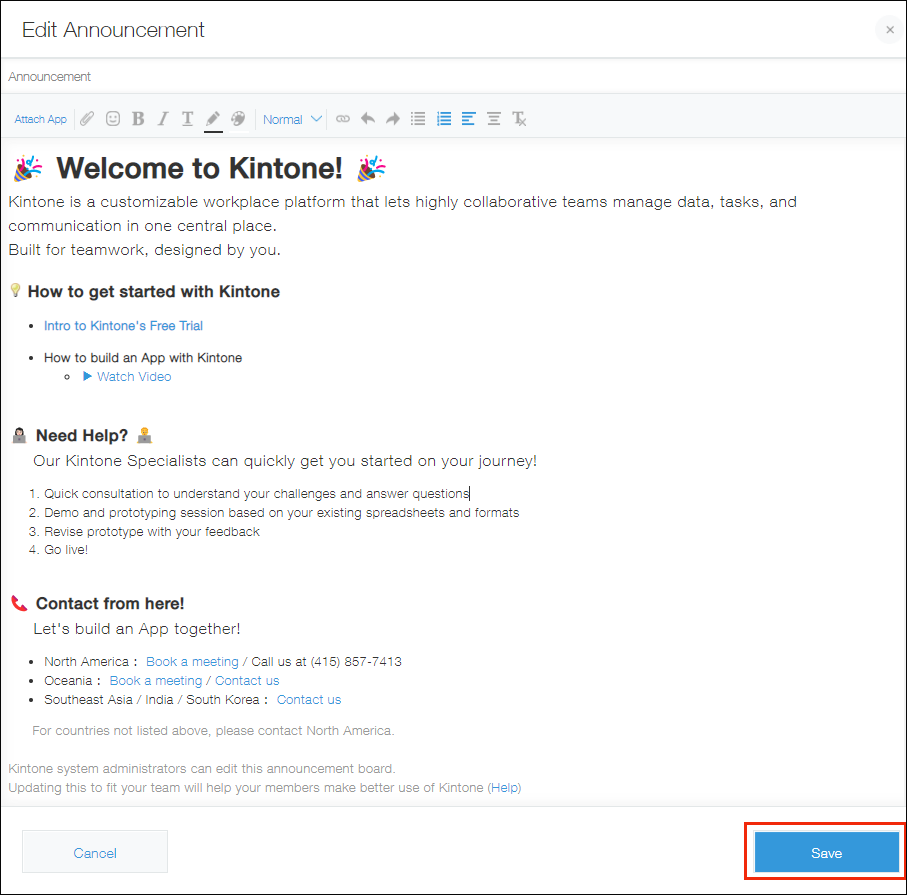
Edit the [Announcement] section of a portal
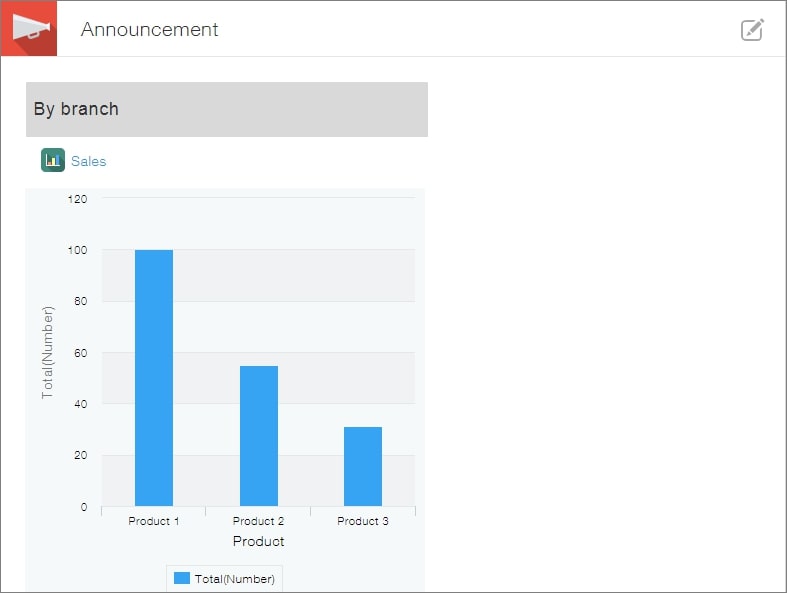
The Announcement section of a portal is where you can bring together information to share with users. You can use it as a dashboard or hub by adding graphs, links, and more.
The information in this section is displayed on the home page of all the users in your Kintone environment.
Only users with Kintone administrative permission and Kintone users & system administrators can edit the Announcement section.
Steps
-
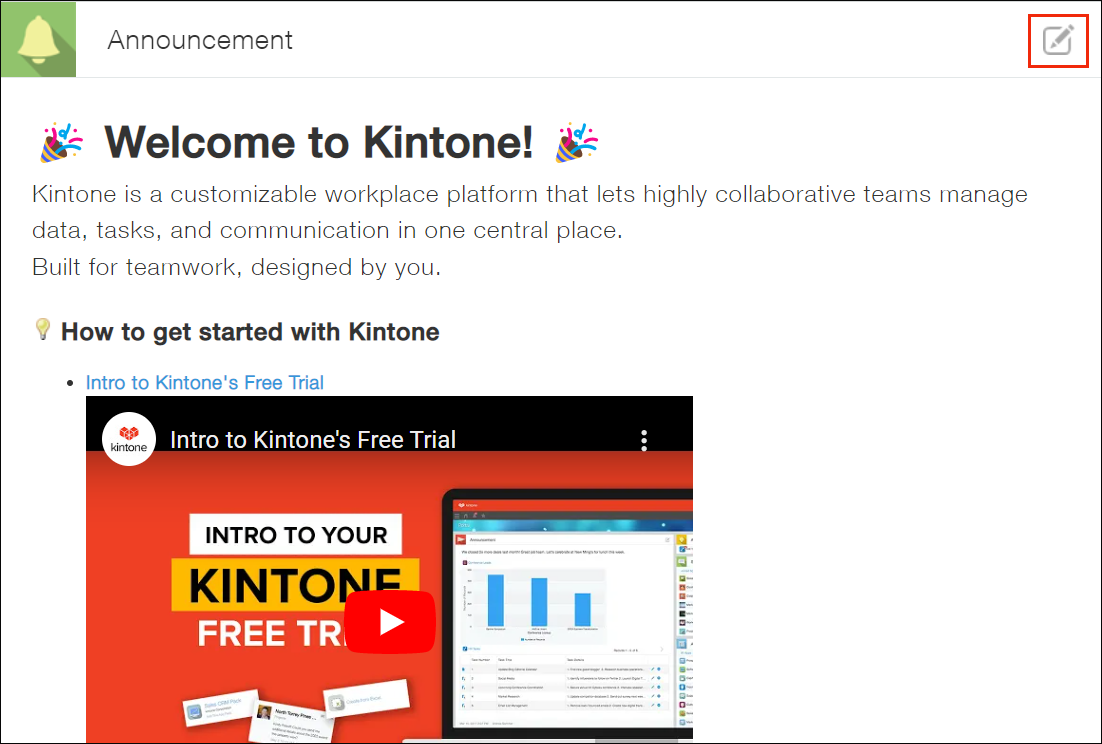
Click the Edit announcement icon at the upper right of the Announcement section.
-
Edit the content as needed, then click the Save button at the bottom right.