
Downloading the guest users list in CSV format
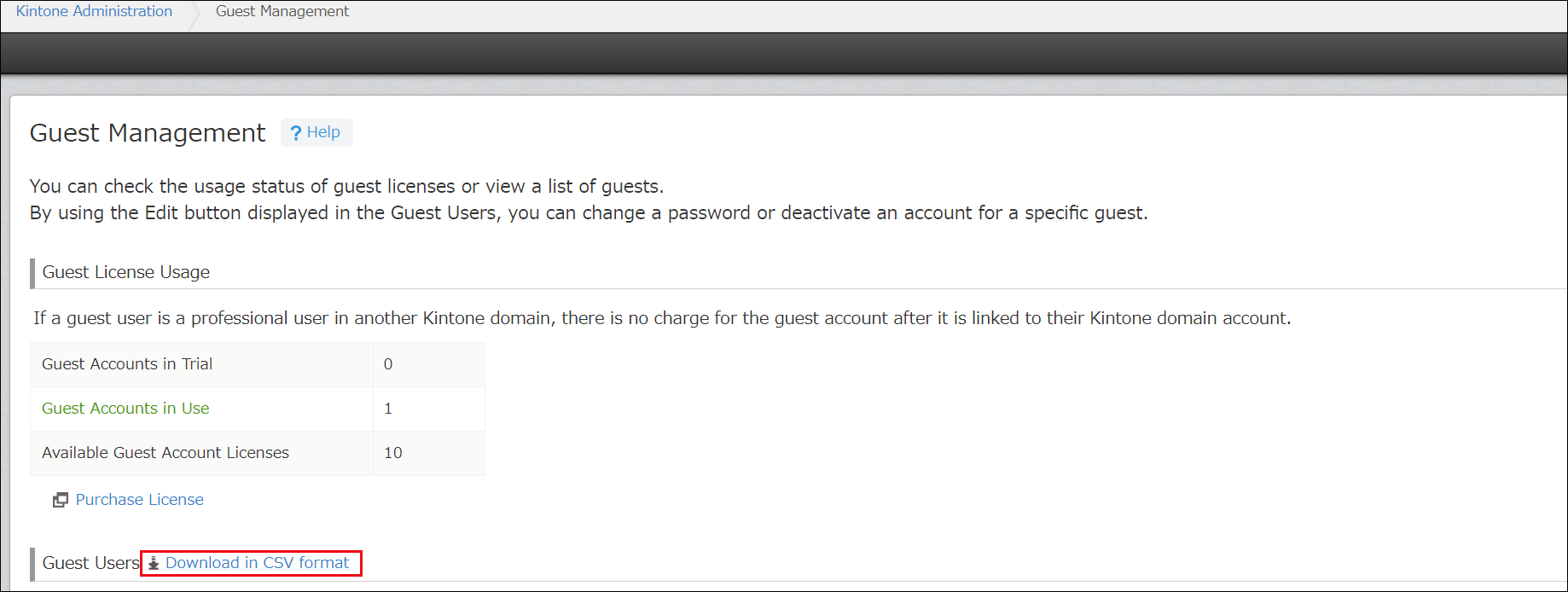
If you are a Kintone users & system Administrator, you can download a list of your guest users in CSV format (UTF-8 with BOM) from the "Guest Management" screen.
The file can be used as a record of your guest user information at that point in time.
For details on how to open the
Guest Management screen, refer to the following page:
Opening the "Guest Management" screen
Clicking Download in CSV format downloads a CSV file with a list of your guest users.
Information included in the CSV file
The following information is included in the downloaded guest user list.
- Company
- Display name
- E-mail address
- Status
- Last login date and time
- IDs of the guest spaces to which each guest user belongs
- Guest spaces to which each guest user belongs
- License
- Trial expiration date