
Liking comments
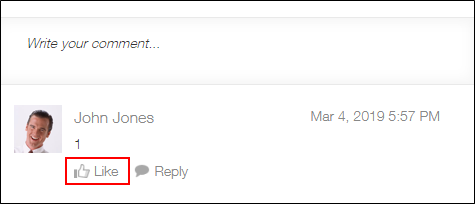
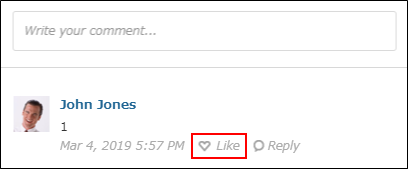
Clicking Likeunder a comment lets you express positive feedback or convey that you have read the comment.
Like is displayed for posts on People pages and in threads, and for messages, in addition to record comments.
- Desktop view
- Mobile-optimized view
Liking comments
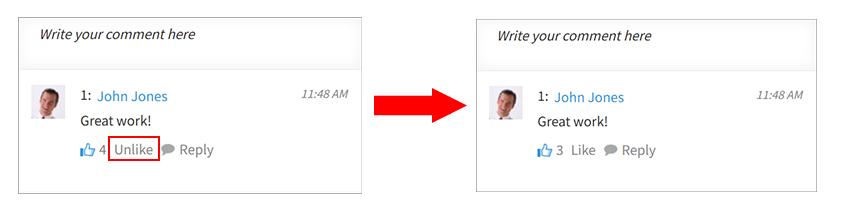
Clicking Likechanges the button text to Unlike and updates the count next to the icon.
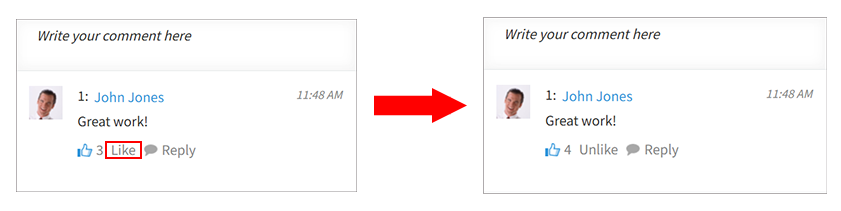
The count displayed next to the icon is the total number of "Likes" from all users for the comment.
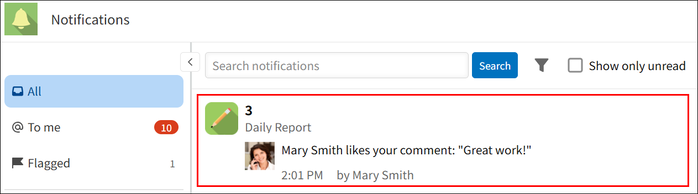
Also, the user who posted the comment receives a notification in their "All" notifications list.
Unliking comments
Clicking Unlike removes your "Like" for the comment.
Once removed, the Unlike button text changes back to Like and the count next to the icon is updated.
Checking the users who liked comments
Clicking the icon or the count next to it displays the users who clicked Like in descending order of the date and time they clicked it.
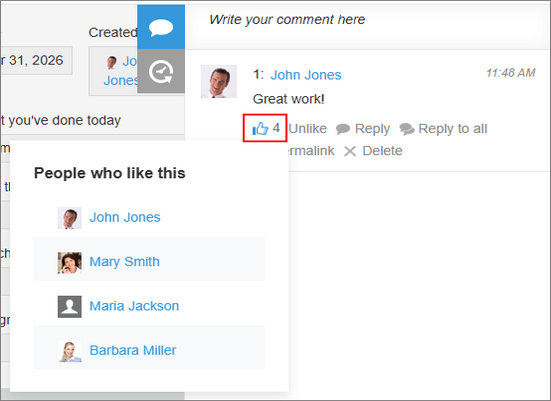
Up to 100 users are displayed. If there are more than 100 users, the 100 most recent users are displayed.