
Spaces widget
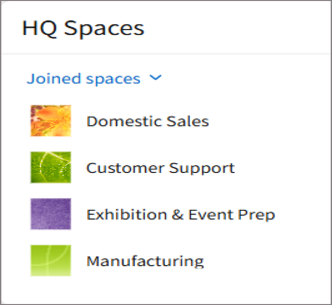
The "Spaces widget" displays a list of spaces. Using the drop-down list, you can switch between different lists, such as your favorite spaces or recently opened spaces.
For teams and departments that use multiple spaces, this makes it easier for users to access the spaces they need, so that they can start their work more smoothly.
This widget is commonly used to:
- Display a list of joined spaces to easily view which spaces you belong to.
- Display a list of recently opened spaces to quickly return to your work.
For details on the lists available in the drop-down list, refer to the following page:
"Spaces" section
Setting for "Spaces widget"
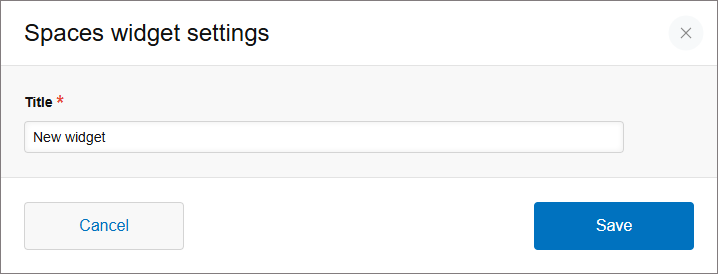
Title
Enter a title to display on the widget.
The
Title field must be filled in. You can enter up to 128 characters.