Canceling the data export process
If you are exporting a large number of records or record comments, you can cancel the export process while it is in progress.
Only the user who started the export can cancel it.
Note that the export process for aggregated data or pivot tables cannot be canceled.
Steps
-
Go to the Exported files screen.
When you start exporting data to a file, you are automatically navigated to the Exported files screen. -
Click Cancel in the row of the export process that you want to cancel.
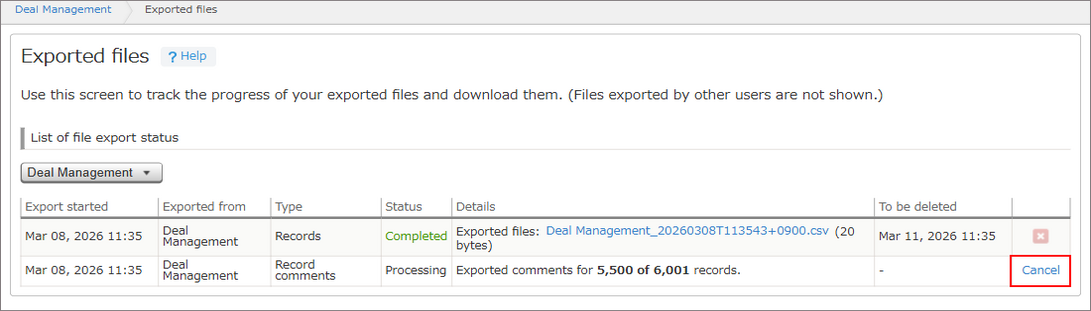
It can take from a few seconds to a few minutes to cancel exporting.
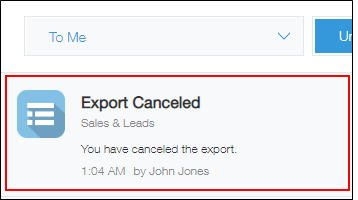
When the export is canceled, the following notification is sent.
- When the record export is canceled:
You have canceled the export. - When the record comment export is canceled:
You have canceled the export of record comments.