
Canceling purchased storage
This article explains how to cancel purchased storage.
After you've canceled purchase storage, you can still use it until the end of the month you've already paid for.
-
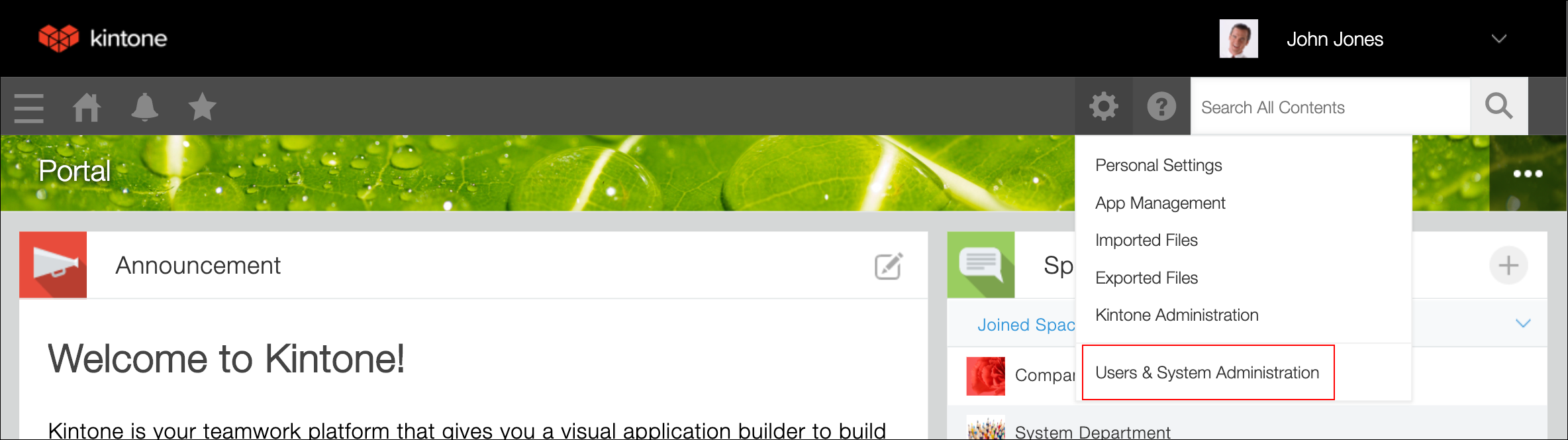
Click the Settings icon (the gear-shaped icon) at the top of Kintone.
-
Click Users & system administration.
-
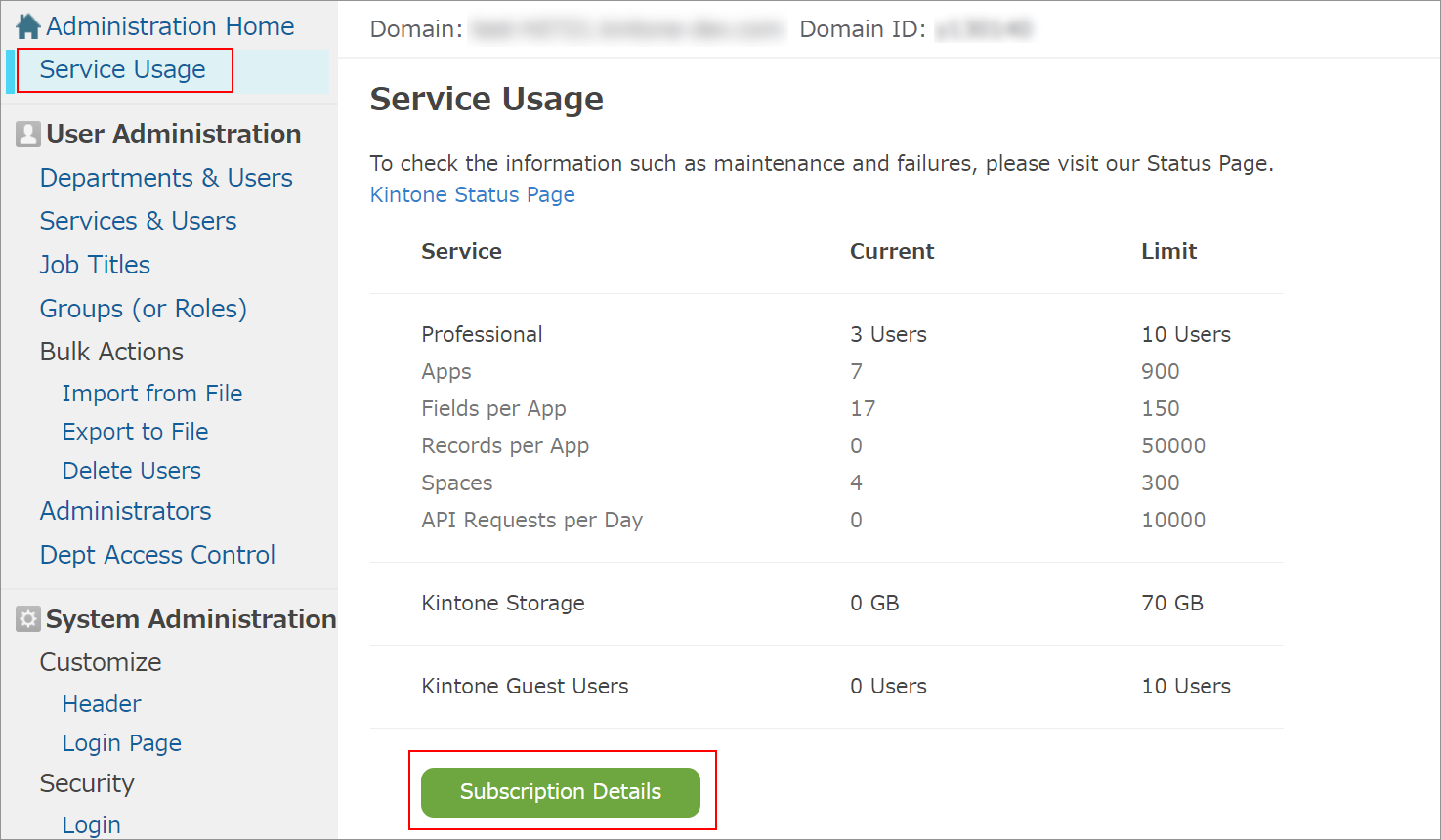
On the Service usage screen, click Subscription details.
Your subscription details will be displayed.
-
In the Options section, click Terminate in the Storage section.

-
Click TERMINATE on the confirmation screen.