
Downloading the list of plug-ins in CSV format
Kintone users & system administrators can download a list of plug-ins in CSV format (UTF-8 with BOM). This is useful if you want to keep the information of currently used plug-ins as a list or manage plug-in information along with other data.
The plug-ins included in the downloaded plug-in list are the ones displayed under Imported plug-ins(plug-ins imported from files).
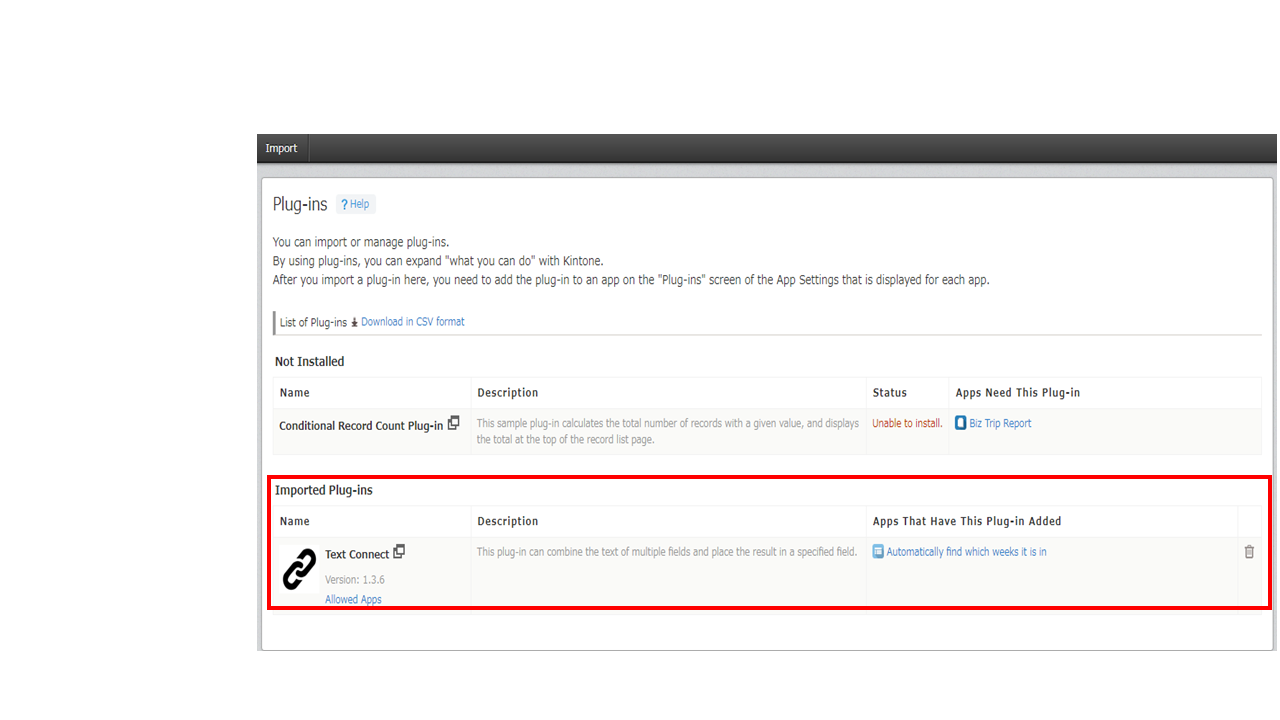
To download the list of plug-ins, go to the Plug-ins screen in Kintone administration and clickDownload in CSV format.
The following items are included in the downloaded plug-in list file.
- Plug-in ID
- Plug-in Name
- Version of the plug-ins
- Description of the plug-ins
- App IDs of apps that are using plug-ins
- App names of apps that are using plug-ins
