
Assigned to me widget
The "Assigned to me widget" displays the number of records assigned to you for each app.
By displaying the number of records assigned to you, you can more easily notice records that require your action. Also, when you access an app from the "Assigned to me widget", a list of records assigned to you is displayed, so that you can start your work more smoothly.
This widget is commonly used to:
- Show all approval requests that are awaiting action so that none are overlooked.
- Check requests currently in the approval process to prioritize and handle them.
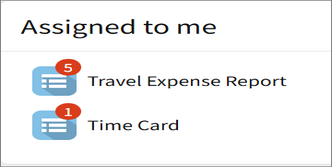
Setting for "Assigned to me widget"
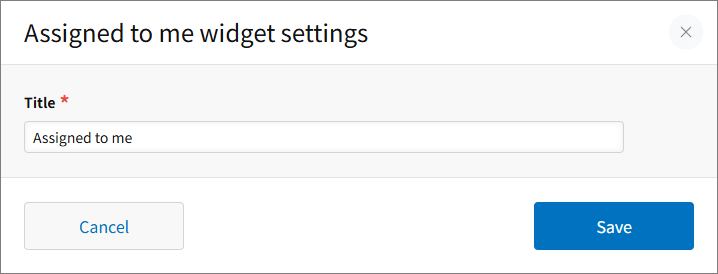
Title
Enter a title to display on the widget.
The
Title field must be filled in. You can enter up to 128 characters.