
A "CB_NO02" error appears and I cannot access certain pages
If you try to access a page and the following error appears, it means you do not have permission to access the page.
Error message:
No privilege to proceed. (CB_NO02)
Examples of errors:
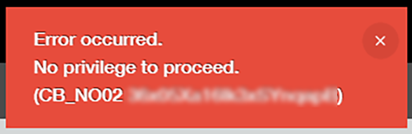
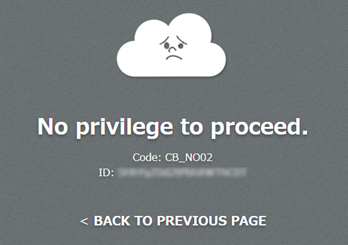
For example, the message "No privilege to proceed. (CB_NO02)" is displayed in the following situations.
-
You tried to access the settings screen of an app that you do not have permission to manage.
-
You added a record to an app for which you do not have the "View records" permission.
-
You tried to access a record that you do not have permission to view.
-
You tried to access the URL of a guest space you have not joined.
Solution
Ask a Kintone administrator or an administrator of the relevant app/space to check your permissions. For information on managing permissions, refer to the following pages.