
Procedure for administrators to stop all email notifications
Kintone administrators can stop all email notifications sent to users with a single setting.
When email notifications are stopped, users can check notifications only on Portal or the Notifications screen in Kintone.
The following describes the steps to configure the setting.
Steps
-
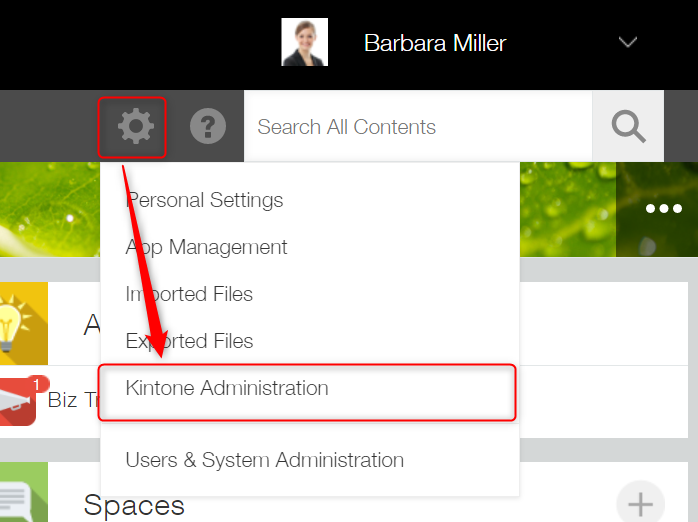
Open Kintone administration.
-
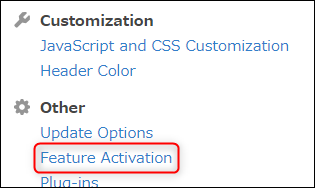
Click Feature activation under Other.
-
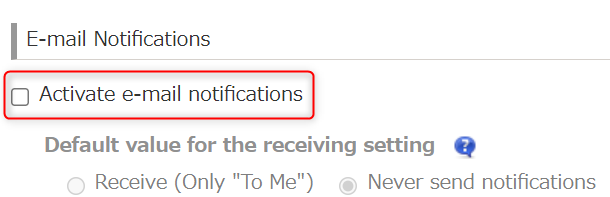
Uncheck the Activate email notifications checkbox.
-
Click Save at the upper left of the screen.