
Creating apps from template files
You can create apps by importing app template files exported from Kintone.
It is also possible to import app template files exported from different Kintone domains.
Steps
The following are the steps to create an app from an app template file.
-
On your Kintone portal, click the Create app icon (the plus sign-shaped icon) in the Apps section.

-
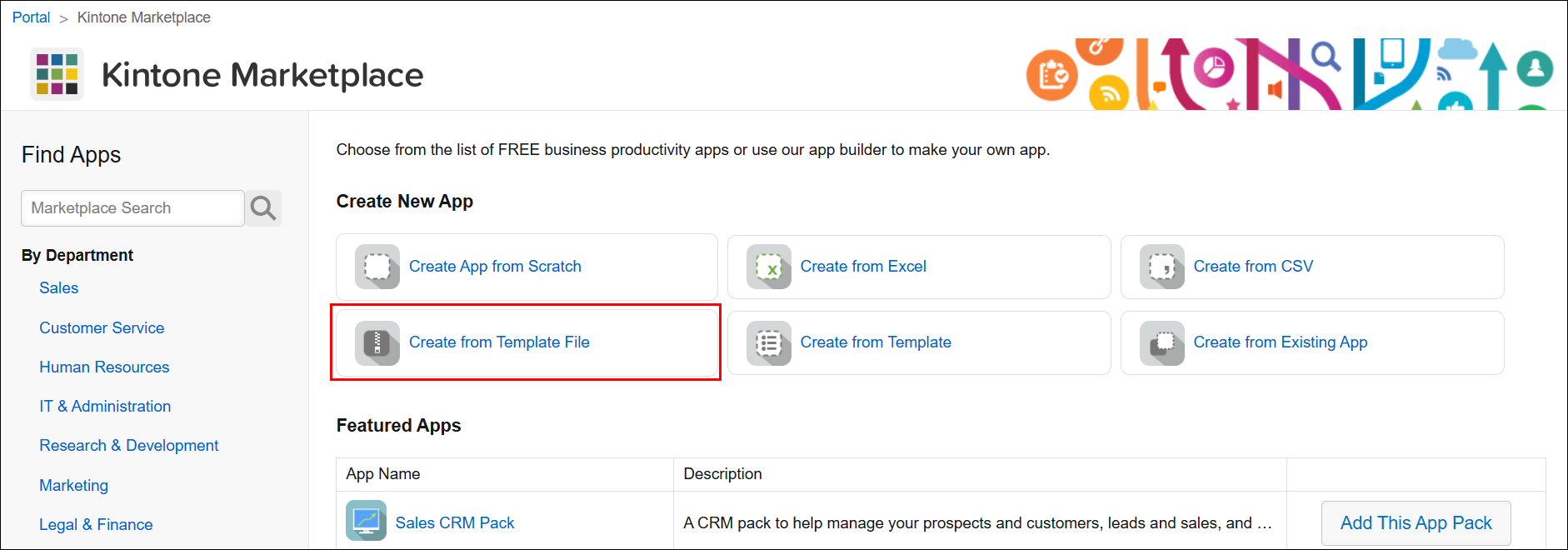
On the Kintone marketplace screen, click Create from template file.
-
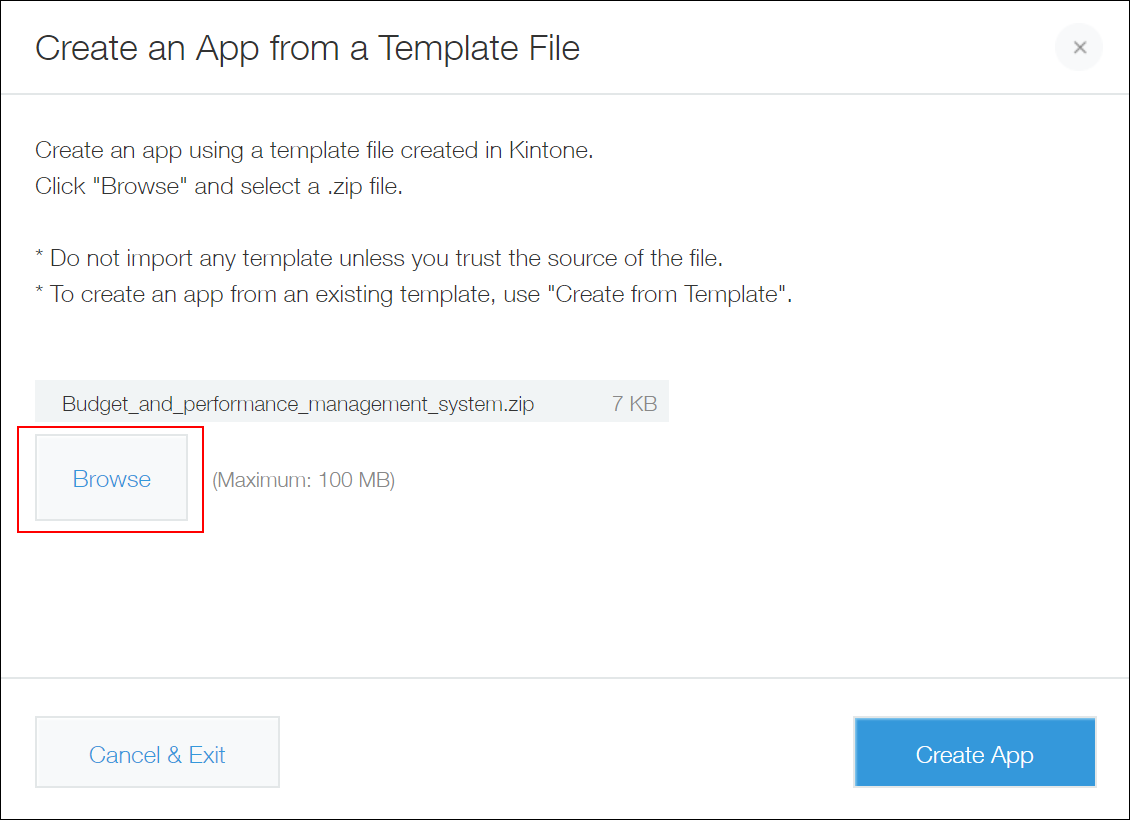
On the Create from template file dialog, click Browse and select a file for import.
If your zip file contains multiple app templates, multiple apps will be created at once. In this example, a file "Budget_and_performance_management_system.zip", which contains two app templates, will be imported.
-
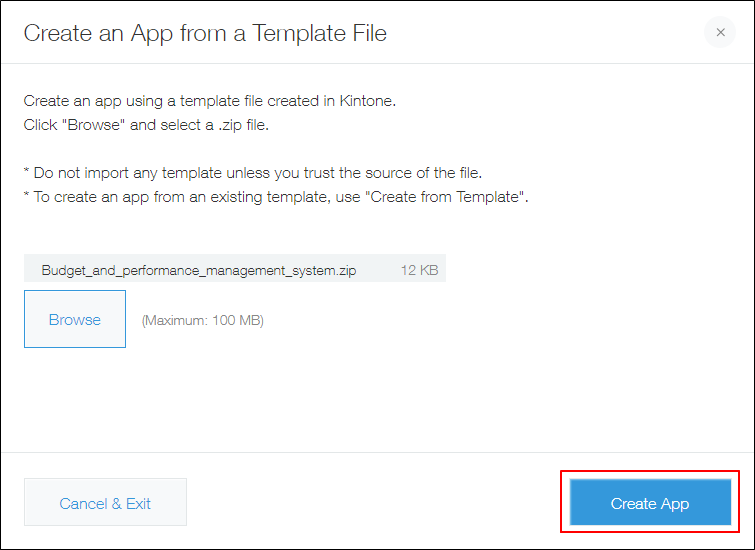
Click Create app.
If an error "Failed to create app" appears
There are some restrictions on app template files that can be imported by users without Kintone administrative permission.
Template files created from the following apps cannot be imported by these users.
- Apps that have JavaScript and CSS customization settings configured
Regardless of whether or not a JavaScript/CSS file or link is added in the app's setting, an error occurs if any other option than Affect all users is selected for Scope of customization. - Apps that contain a custom view
- Apps using a plug-in that is not installed in your Kintone
When a user without Kintone administrative permission tries to import an app template file created from the apps described above, the following error appears.
Failed to create app
Such template files are usable by Kintone administrators. Consider asking a Kintone administrator to create apps from these template files.