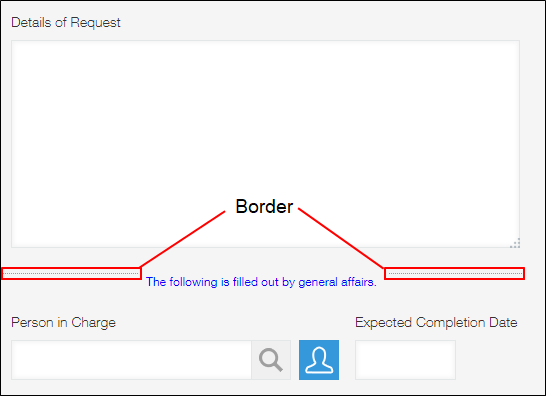
Border
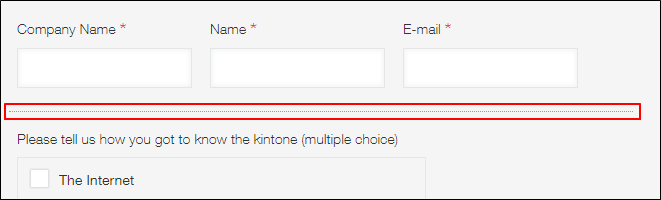
You can use Border fields to clearly separate other fields and organize the appearance of your app form.
Field settings
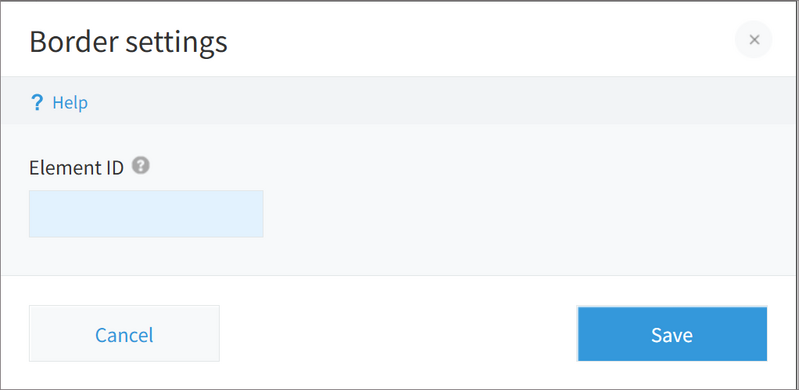
Element ID
When you use the customization feature, you can specify an element ID for a Border field.
For details on
Element ID, refer to the following page:
Values that can be used for "Element ID"
Usage examples
Border fields can be placed on your app form in combination with other fields.
You can adjust the length of a
Border field by dragging its right edge.