Creating apps from templates
You can create new apps from app templates registered in your Kintone environment.
The
Create from template screen displays app templates registered by Kintone administrators.
If no app template is registered in Kintone administration, you will not see the
Create from template option in the Kintone marketplace.
-
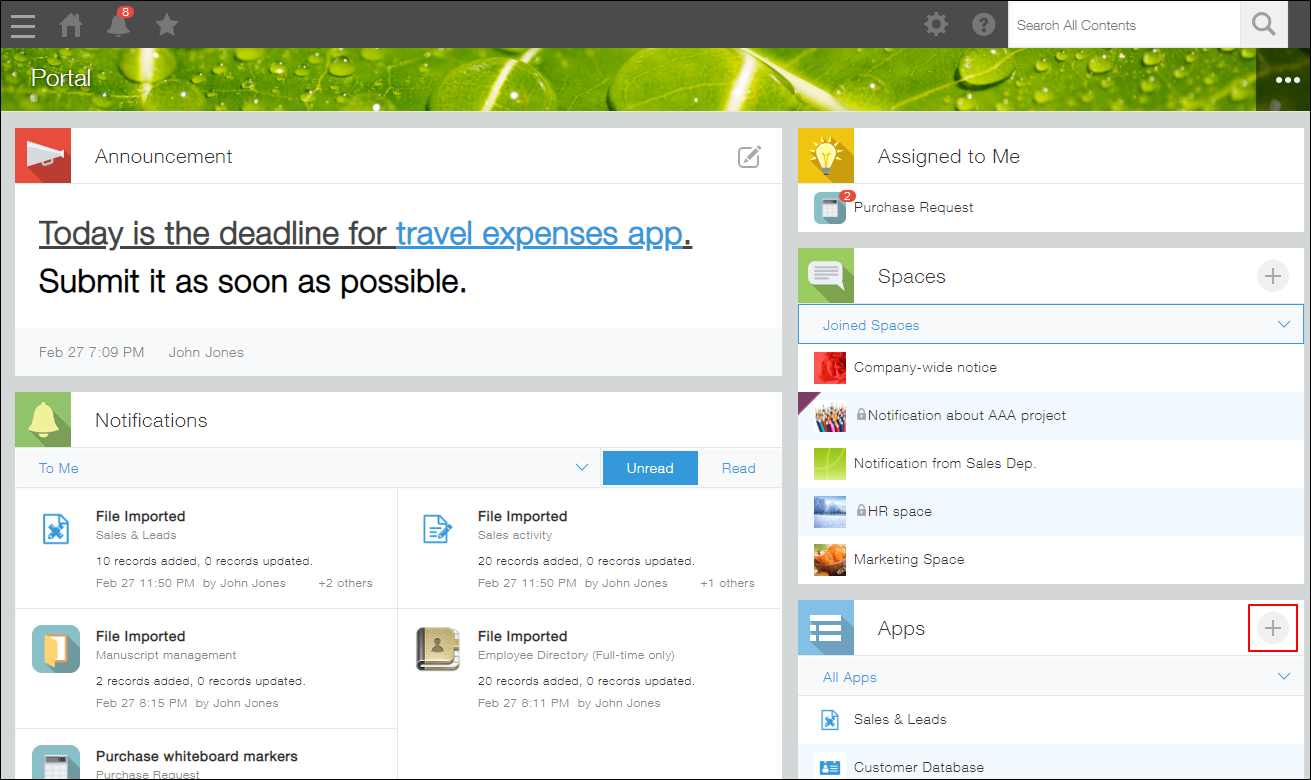
On your Kintone portal, click the Create app icon (the plus sign-shaped icon) in the Apps section.
-
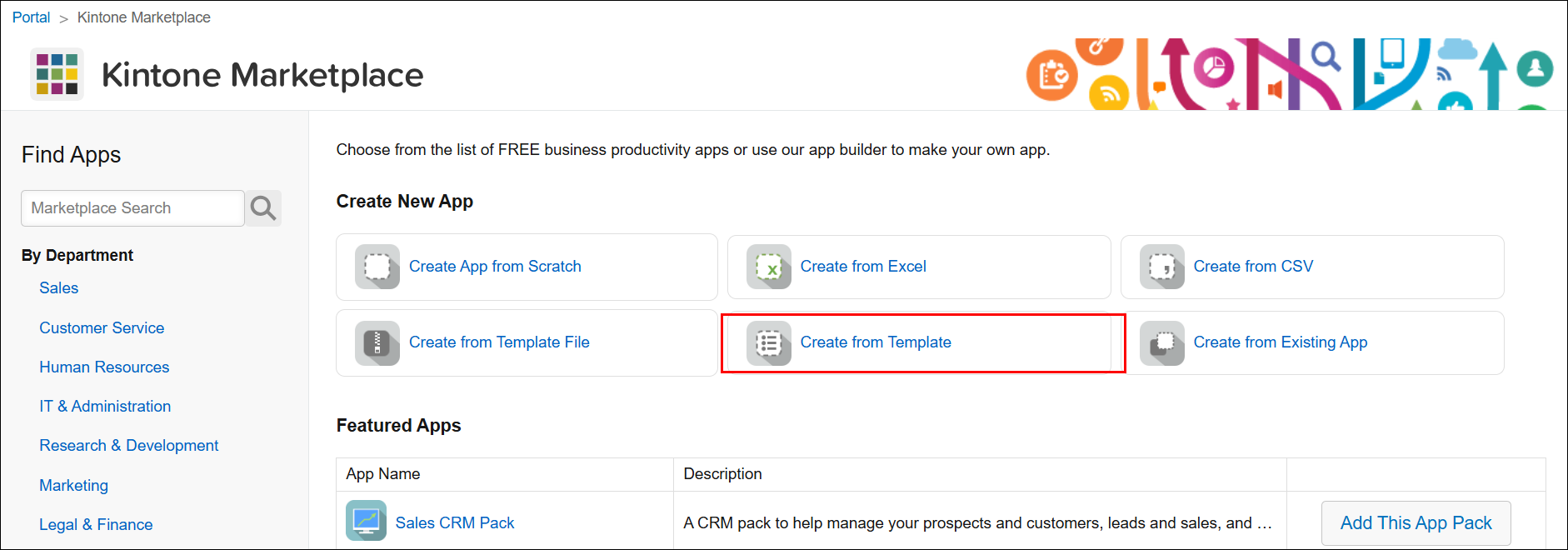
On the Kintone marketplace screen, click Create from template.
Note that the Create from template option will not be displayed on the Kintone marketplace screen if no app templates are registered in Kintone administration.
-
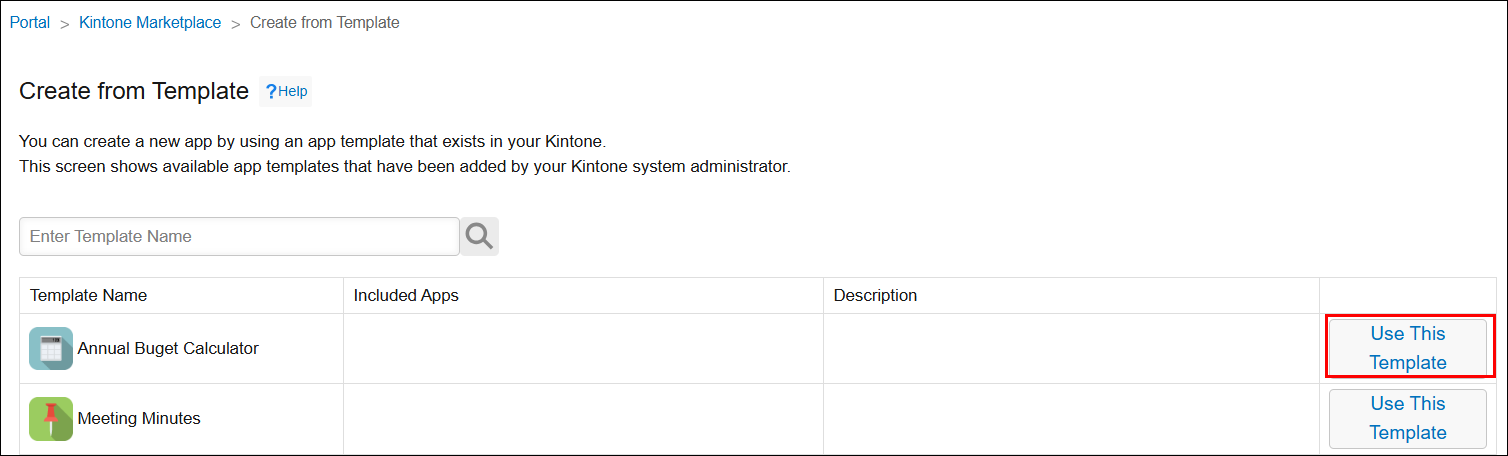
On the Create from template screen, click Use this template for the template that you want to use.
If you select a template labeled "Pack", multiple apps from the template will be created at once.