
Deleting added portals
This article explains how to delete portals that were created in addition to the preset portal.
-
Click the Settings icon (the gear-shaped icon), then select Portal management.

-
On the Portal management screen, click the Portals tab.
-
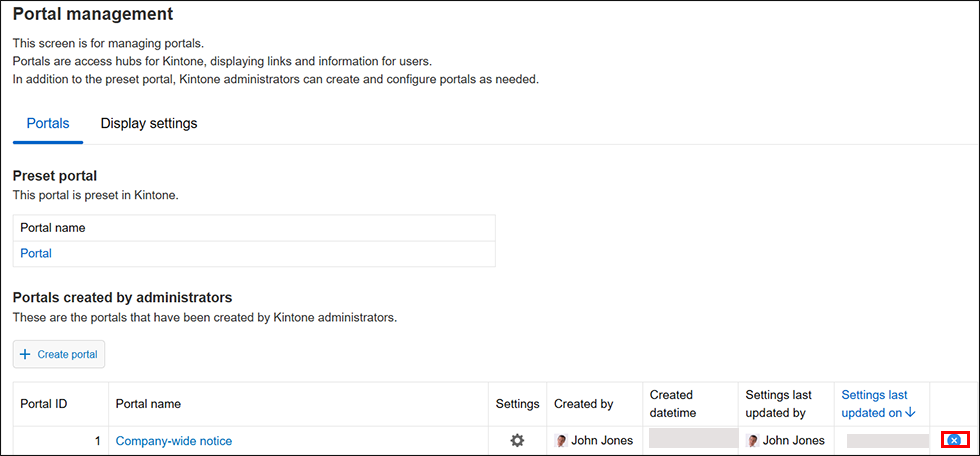
Under Portals created by administrators, click the Delete icon for the portal you want to delete.
-
Click Delete.