
Importing a space template from a file
This article covers how to import a space template from a space template file.
Space template files exported from a different Kintone domain can also be imported.
-
Navigate to the "Kintone Administration" screen.
Opening the Kintone Administration Screen -
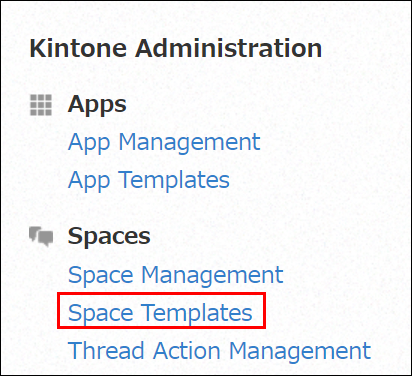
Click Space Templates.
-
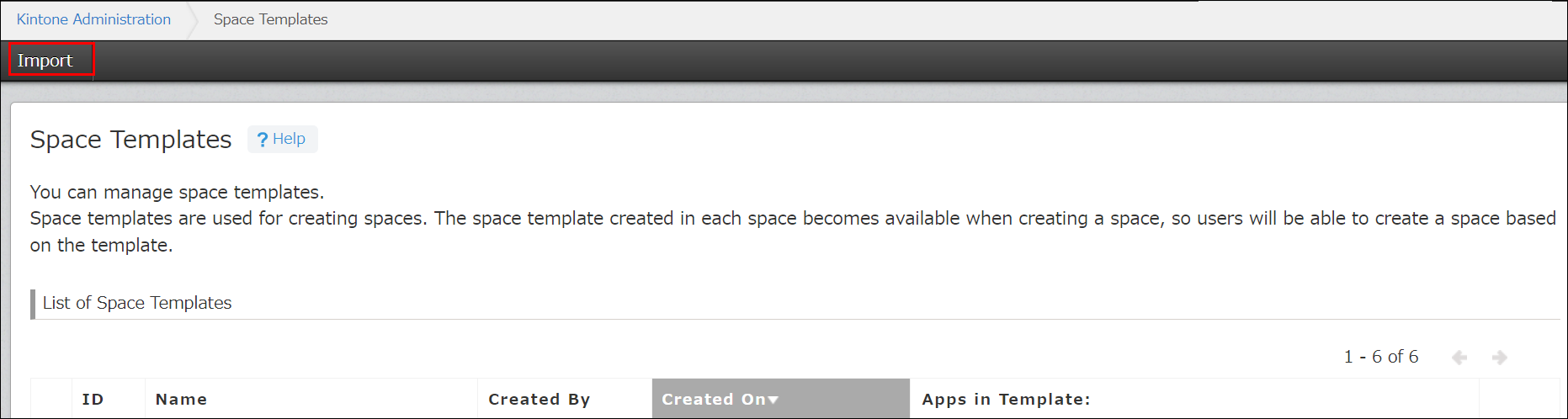
Click Import.
-
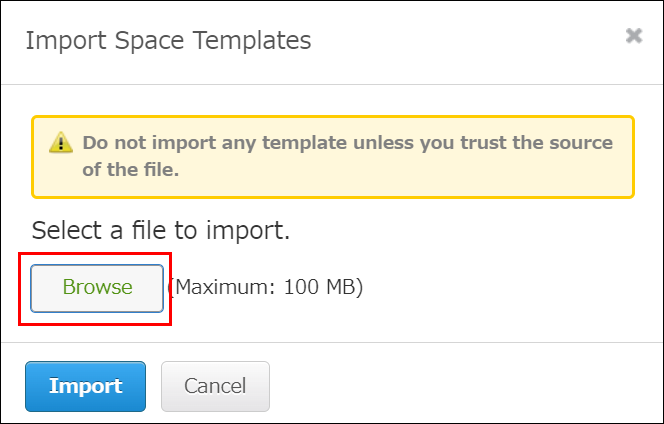
Click Browse and select a file to import.
-
Click Import.
Users can now use the imported space template to create a space.