Changing my People cover photo
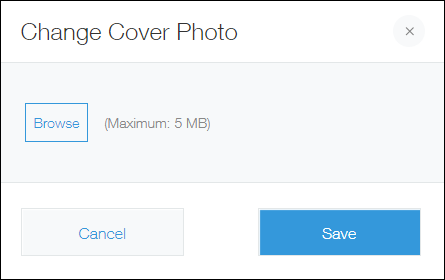
You can set an image file up to 5 MB to be used as your cover photo.
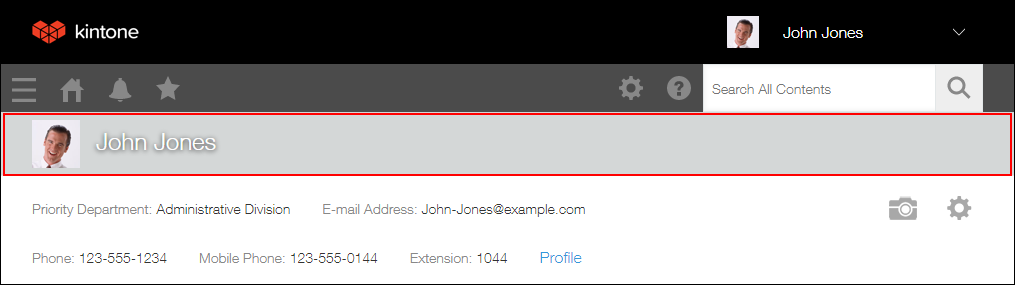
For the Desktop View, the height of the configured cover photo is fixed to 64 px and the width is enlarged/shrunk according to the Web browser's width.
To set your cover photo, use the following steps.
Steps
-
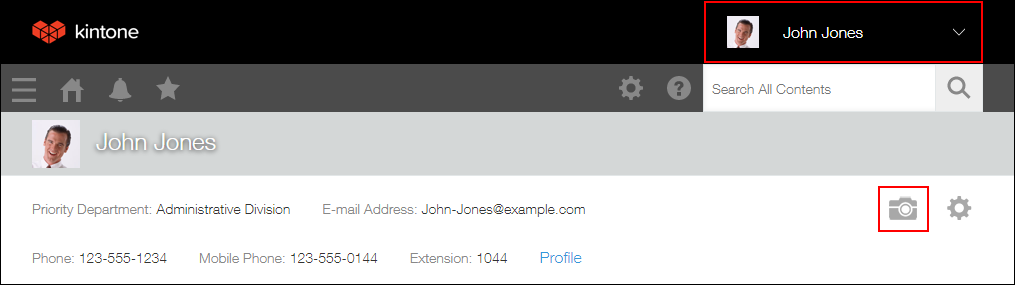
Click your user name at the top right of the screen, then click the Change Cover Photo icon (the camera-shaped icon).
-
Specify a file to use as your cover photo, then click Save.