
Logging in to Kintone for the first time
This page describes how to log in to Kintone.
Logging in to Kintone for the first time
-
Receive the following information from your administrator:
- Login URL
https://(subdomain_name).kintone.com - Login name
- Password
- Login URL
-
Access the login URL.
-
Enter your login name and password, and then click Login.
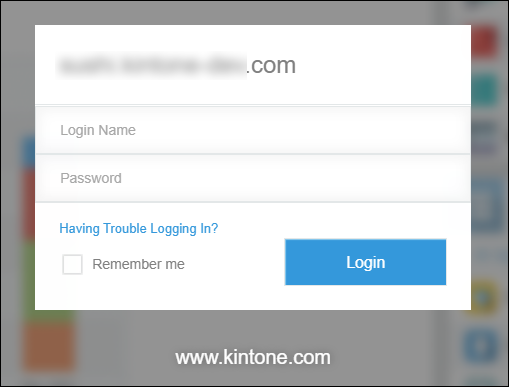
-
Set your new password.
The maximum number of characters and the types of characters you can use for a password configured by the administrator are displayed.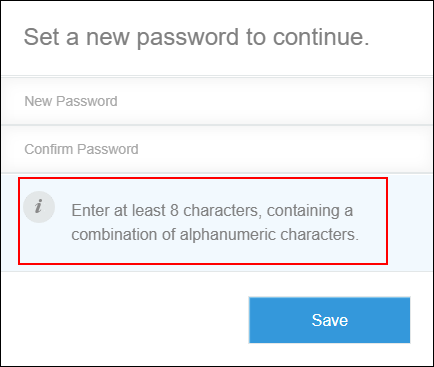
-
Click Save to log in to Kintone.
When the "Configure the two-factor authentication" message is displayed
When the "Configure the two-factor authentication" message is displayed during your login attempt, you need to configure the two-factor authentication.
Configuration steps for two-factor authentication when requested
Logging out
-
Click your user name in the header, or the button to open the menu on the right side of the user name.
-
Click Logout.
If you cannot log in
Refer to the following page or contact your administrator.