
Exporting users, departments, and other information to files
This page describes the steps to export data of users, departments, job titles, and groups (or roles) to text files.
Types of the data that can be exported to files
As for the Kintone data that can be exported to files, refer to the following page:
User administration
Steps
-
Access Kintone users & system administration.
Accessing Kintone users & system administration -
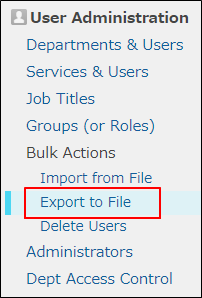
Click Export to file.
-
In Contents to export, select the type of data you want to export.
- Users
- User available services
- Departments
- Departments to which users belong
- Job titles
- Groups (or roles)
- Static groups (or roles) to which users belong
-
Select Include header row, if necessary.
-
Select a character encoding.
Selecting character encoding for a file -
In Delimiter, select one of the following:
- Comma
- Semicolon
- Tab
- Space
-
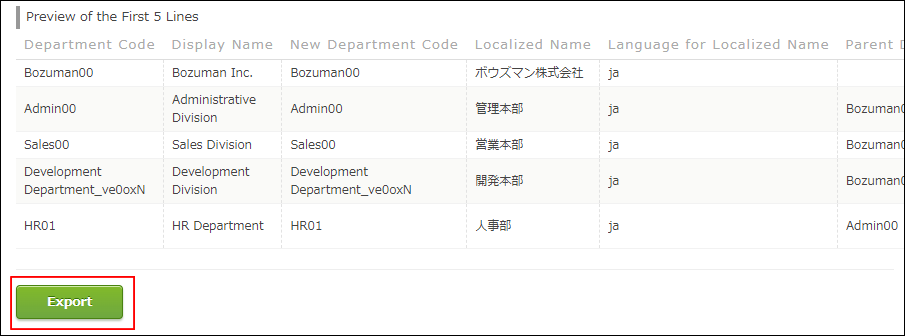
Click Export.
"Preview" displays the first five lines of the file.
-
Save the file with a function provided by your Web browser.