Checking and disabling active integration services
This page describes how to check active integration services.
Steps
-
Click your user name in the header, or the button to open the menu on the right side of the user name.
-
Click Account settings.
-
Click Integrations.

-
Available services are displayed.
If administrators have not completed the configuration of the Integration service yet, the status of such service is displayed as Inactive. -
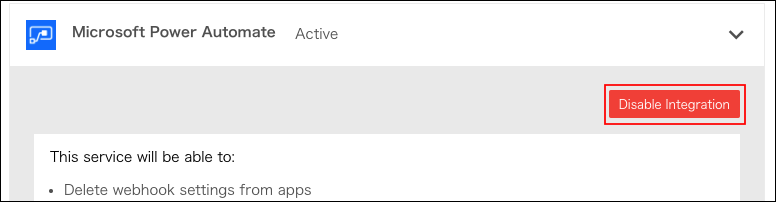
Click the button to display the actions allowed for the service.

Disabling integrations
Click Disable integration.