
Reactivating users
When the users come back from their temporary leave or temporary assignment, revert their status to Active.
They can access Kintone once their status is changed.
-
Access Kintone users & system administration.
Accessing Kintone users & system administration -
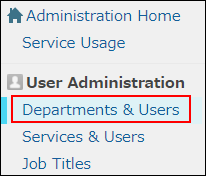
Click Departments & users.
-
In the search box, enter the display name or login name of the user to find the target user.
You can also expand the department tree and select the target user. -
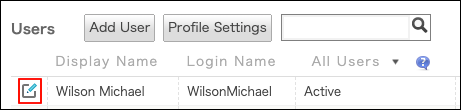
Click the Change icon.
-
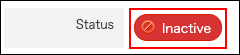
In the Account status section, set Status to Active.
-
Click Change user information.