
Changing user information
This page describes the steps for Kintone users & system administrators to change user information such as user names, login names, and email addresses.
-
Access Kintone users & system administration.
Accessing Kintone users & system administration -
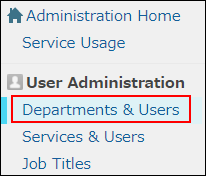
Click Departments & users.
-
In the search box, enter the display name or login name of the user to find the target user.
You can also expand the department tree and select the target user. -
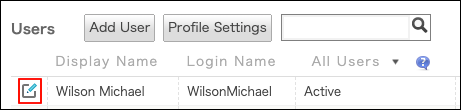
Click the Change icon.
-
Change the user information.
Items of user information -
Click Change user information.