
Checking the Billing Information
This page describes how to check Billing Information and Invoice History.
Billing Information
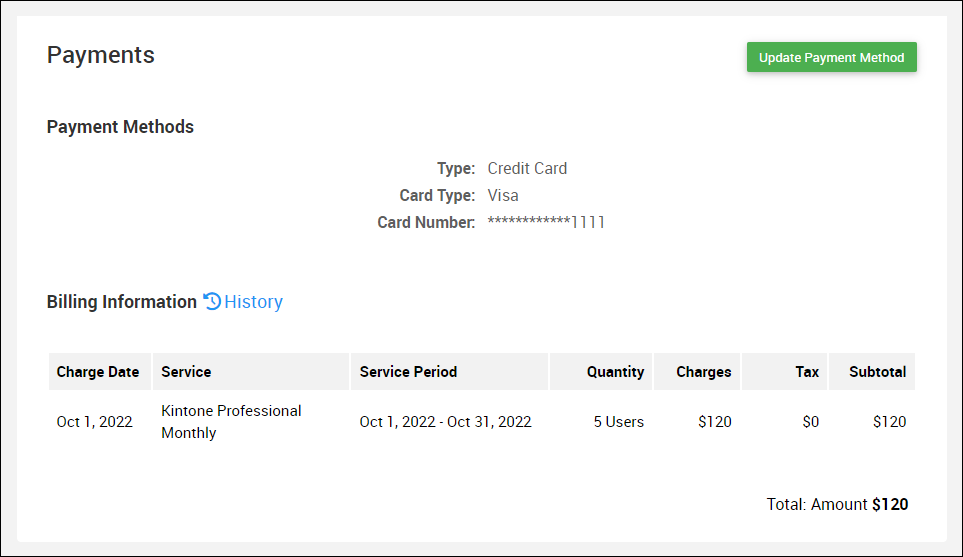
Billing Information will display the amount of service fee to be billed next time.
-
Access Kintone users & system administration.
Accessing Kintone users & system administration -
Click Subscription details.
-
Billing Information is displayed in the "Payments" section.
Invoice History
-
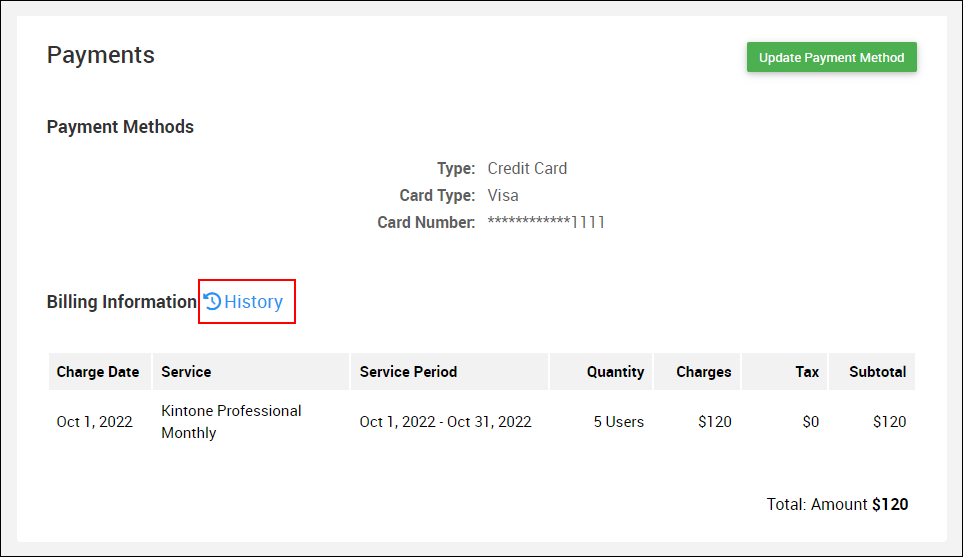
Click History next to the Billing Information.
-
Invoice History is displayed.